EasySteel is a free application, for mobile and desktop devices,
useful for creating steel recipes using vacuum heat treatments.
It is a very simple application to use, I will show you its functionalities shortly,
but it is above all an opportunity for you to discover the world of PWAs.
What's a PWA?
A PWA, which stands for Progressive Web App, is a hybrid and innovative
technology for develop low-cost mobile applications, compatible
with all smartphones, tablets and even PCs.
It looks like a web address (easysteel.tav-engineering.com
in this case), but unlike a website it can be used off-line, that is without
an Internet connection.
Moreover, if you're using the Infrared CMS, turning any page on your website into a mobile app is pretty much automatic.
But let's take a look to the application...
How to install EasySteel
Before proceeding, however, I must specify the following:
EasySteel is an application created only for educational purposes and it
is not intended for production use.
Idea R will not be held responsible for damage resulting from improper use of
EasySteel in production environments.
As I told you above, to access the application you simply have to go to the address
easysteel.tav-engineering.com or press the button
below.
Go to the EasySteel
app
Remember that in order for the application to be used off-line, it is not enough
to visit the website, you have to install it.
To do this, depending on the device or browser you connect with, you will see a
popup on the page or a button on the address bar.
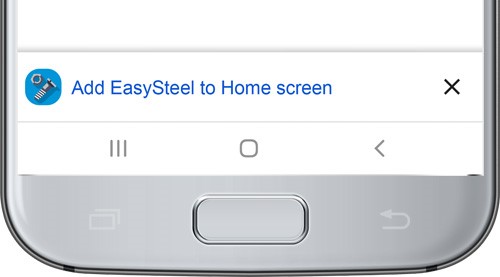
Add to Home screen on Android
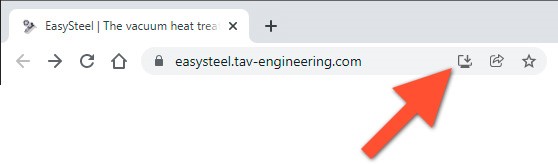
Install on Chrome for Windows
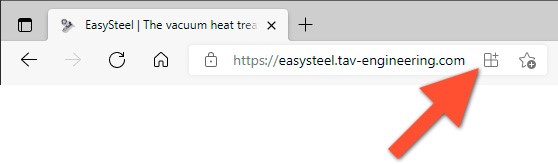
Install on Edge for Windows
EasySteel: vacuum heat treatments of steels
The application is divided into 4 pages: Home, Recipe, Time and Analysis.
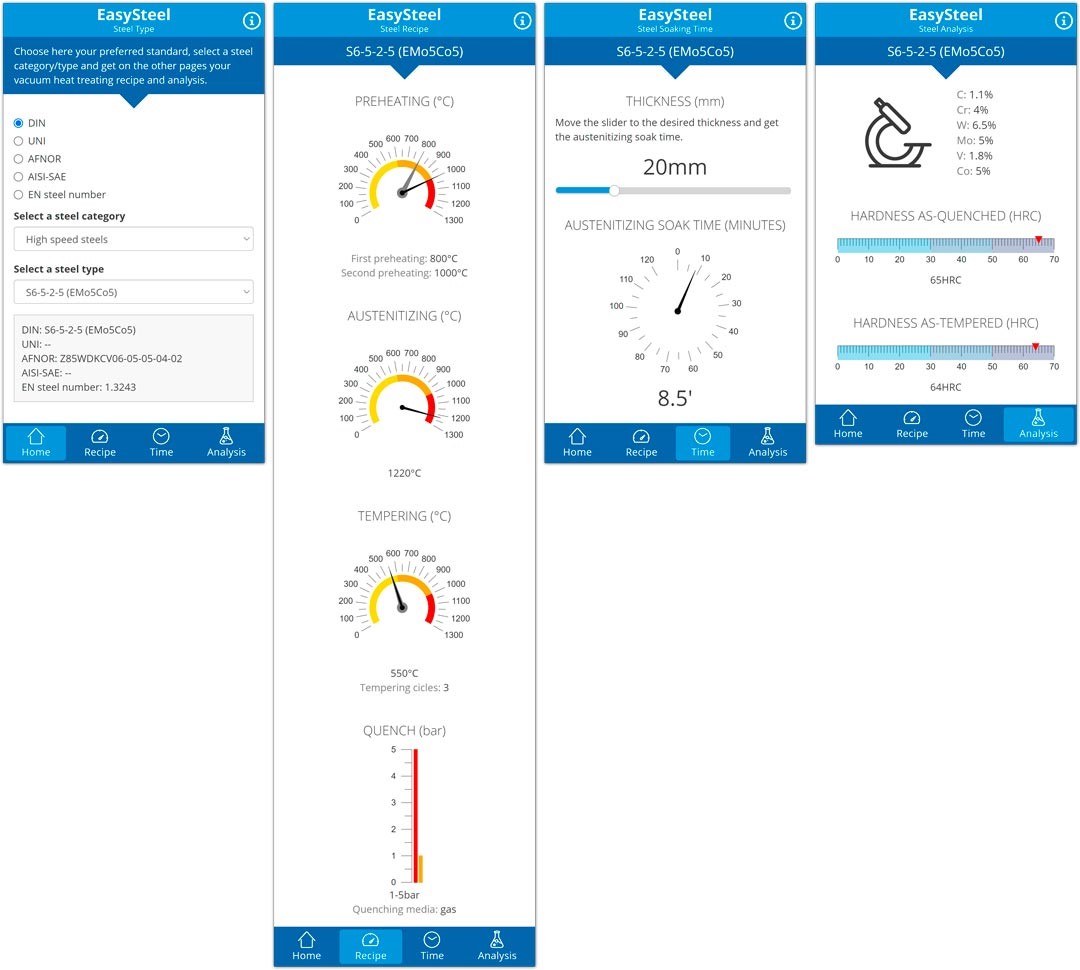
In the Home page proceed to select the desired steel, specifying
the standard, the category and the type. A summary box of the choice is displayed
at the bottom of the page.
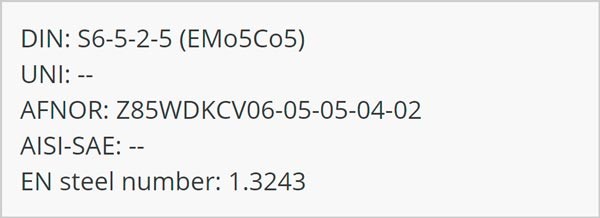
The next three pages depend on the first one, that is, the data contained in them
changes when the selected steel is changed.
The data change is highlighted by a green badge that appears on the pages that the
user has not yet viewed.

The Recipe page displays the recipe, i.e. the heat treatment
to be carried out: preheating, austenitizing, tempering and quenching.
The Time page it is used to calculate the austenitizing soak time
as a function of thickness.
The Analysis page finally, displays the chemical composition of
the selected steel and the hardness values.
You just have to try the application, on phone or desktop, it works everywhere:
just go to the address easysteel.tav-engineering.com
or press the button below.
Go to the EasySteel
app
Do you want to offer your customers a mobile application?
Do you want to do this with the low development costs of a PWA?
Fill out the form below without obligation and we will have the opportunity to chat
about the potential of Progressive Web Apps.
